
"I don't trust AI-written invoices."
The rule I never break: every customer-facing send needs a human approval
Every invoice, every reminder, every customer-facing send goes through a human approval gate. Here is how it works and why I refuse to build it any other way.
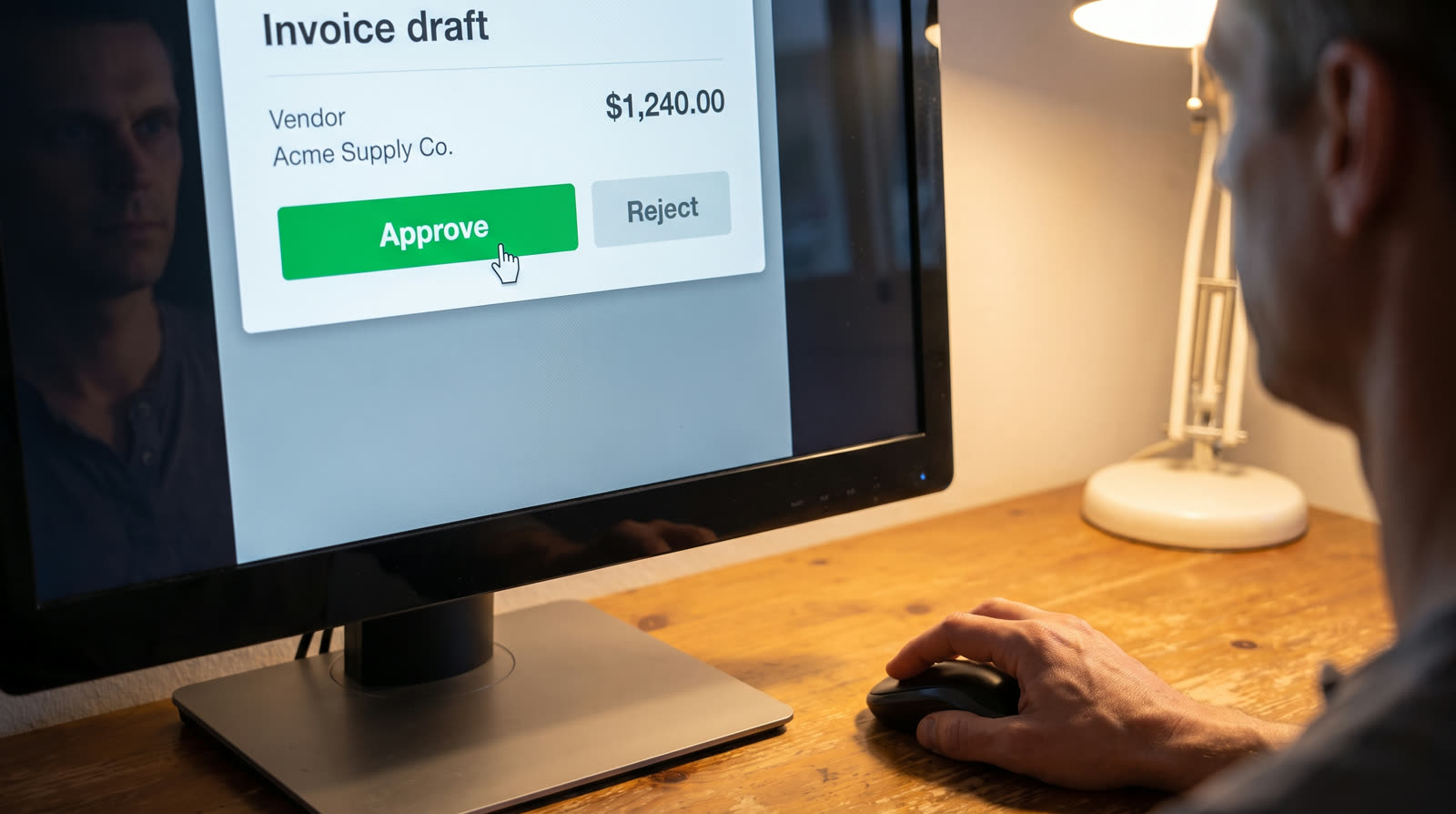
A lot of what I sell touches money. Invoices, reminders, payment links, documents that go to a client. When one of those goes wrong, it does not just cost time. It costs a customer relationship, and sometimes a legal complication.
People are right to be cautious about "AI-generated invoices." What they usually mean is: I do not want a robot deciding on its own to bill my client $8,400.
Neither do I.
The rule
Every customer-facing send requires a human approval first.
Every invoice, every reminder, every payment link, every document that goes to a client sits in an approval state until someone on your team clicks Approve. The AI drafts. It does not decide.
That "someone" can be you, your bookkeeper, or your ops manager. It can be different people for different value bands. What it cannot be is nobody.
Sending an invoice is not the same as money leaving your account. Payment reconciliation is a separate check with its own rules. What this rule guarantees is that nothing dispatched to a customer skips a human on your side.
What the AI actually does
In order of how often I use it:
- Reading messy input — extracting job details from a technician's notes or a supplier's reply
- Drafting the boring text — invoice line items, polite reminder wording, follow-up subject lines
- Flagging exceptions — a supplier price in a different currency, an unusually high total, a reply that does not match the job it claims to be a reply to
- Never — deciding to send, deciding to charge, deciding to escalate
The last one is a hard line. If the automation cannot tell whether to send, it holds. It never guesses.
What the human sees
The approval screen shows four things:
- The draft as the customer will see it
- The source data it was built from
- What the automation is not sure about, if anything
- One button: Approve. One button: Reject with a reason.
Approve, and it goes out. Reject, and it comes back with the reason attached; the automation waits.
The loop is deliberately boring. Boring is what you want when the outcome is money in motion.
Why this beats "the AI is smart enough now"
Models are getting better. They still hallucinate on 2–5% of edge cases, and edge cases are where money lives.
A 2% error rate on 100 invoices a month is two wrong invoices. Every month. Even if 90% get caught by customer replies, the remaining 10% become bad debt, disputes, or worse.
A human approval gate does not fix an AI hallucination. It catches it. That is a lower bar and a much more reliable one.
What it costs you
A few minutes a day. Someone spends 5–15 minutes clicking Approve. In exchange, the automation writes the drafts, manages reminders, tracks payments and handles follow-ups.
If five minutes feels like too much, we have to talk about whether automation is the right answer for this workflow at all. Because the alternative — unsupervised AI sending invoices — is not something I will build.
What this article does not claim
This rule applies to money. It does not apply to internal Slack notifications, Telegram alerts, or draft-only work that never leaves your company. Those go automatically.
The line: anything a customer sees, a human on your team approves first.
The keeper
AI drafts. Humans approve.
The rest is implementation.
Talk to me
If you want to see the approval screen for a sample workflow, book 30 minutes. Uses fictional data. Does not send or take a payment.